Reviving Valve's 15-year-old e-book
July 24, 2026 at 2:47 PM • 12 minute read
If you just want to enjoy TFHoP2 and DO NOT CARE about the technical details of how I got it working, head to the Steam guide on how to patch it below.
 Fix Broken Web Content [Windows] [2026]
My weekend project - fixing all broken content in The Final Hours of Portal 2. This guide will show you how to make polls, panoramas, audio, video, and interactive demos work again.
Fix Broken Web Content [Windows] [2026]
My weekend project - fixing all broken content in The Final Hours of Portal 2. This guide will show you how to make polls, panoramas, audio, video, and interactive demos work again.Intro
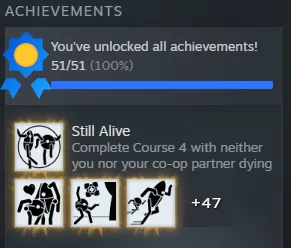
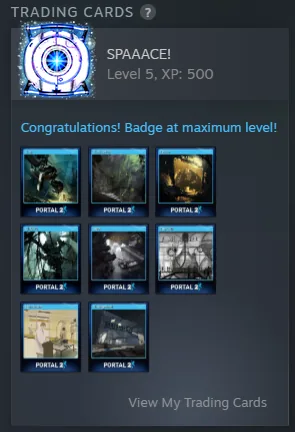
Picture this: there’s a puzzle game you really like. You have over 100 hours of playtime, even though the story takes only 10.5 hours to beat and the whole game takes about 22.5 hours to complete. You like it so much that you spend hours playing co-op with friends and competing for the fastest times in Challenge Mode.
That’s me with Portal 2.


Then you find out there’s an interactive e-book covering the entire development process, with all kinds of interesting stuff inside. It costs only €0.63. Of course you buy it.
Then you launch it, excited to start reading.
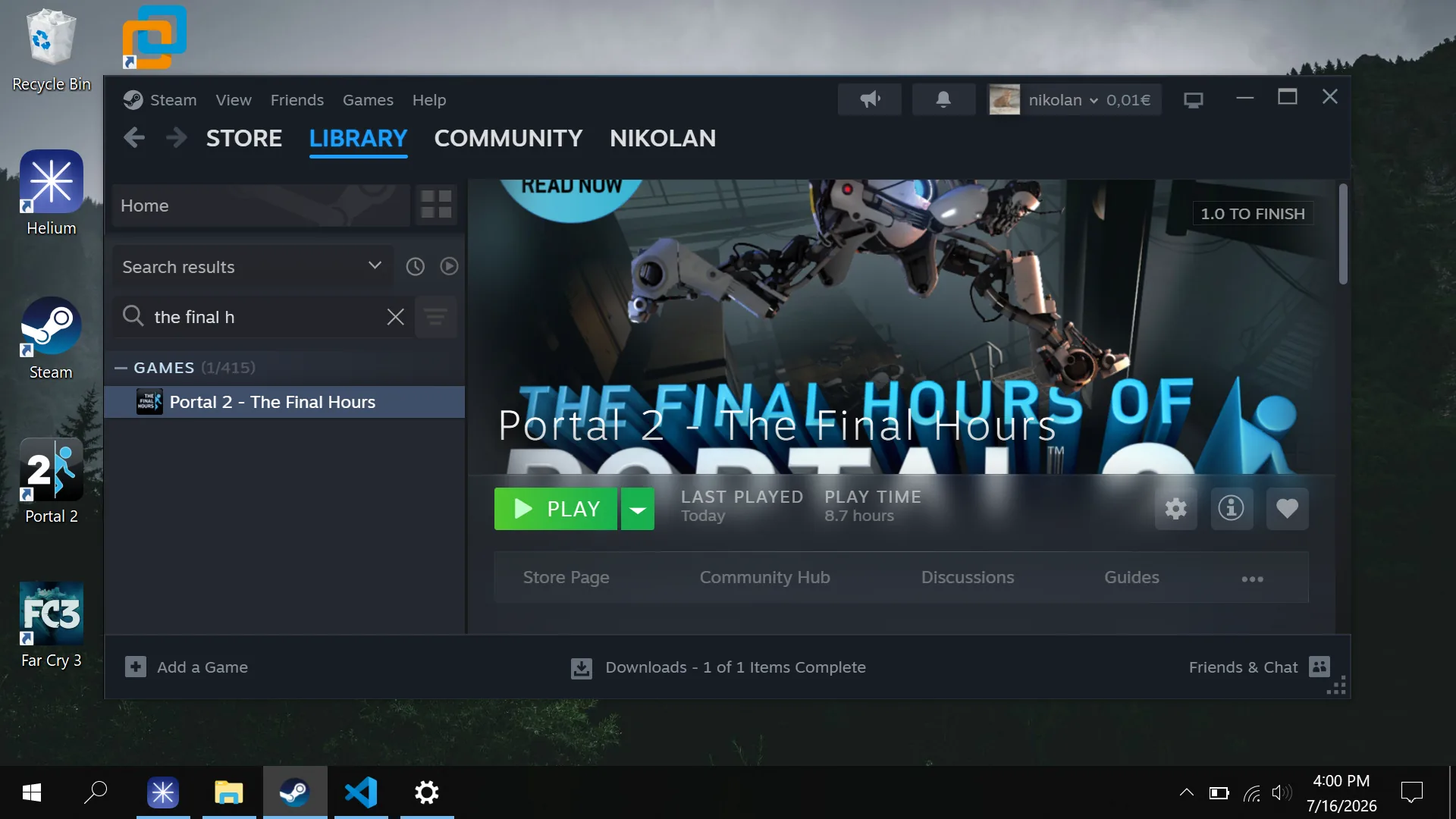
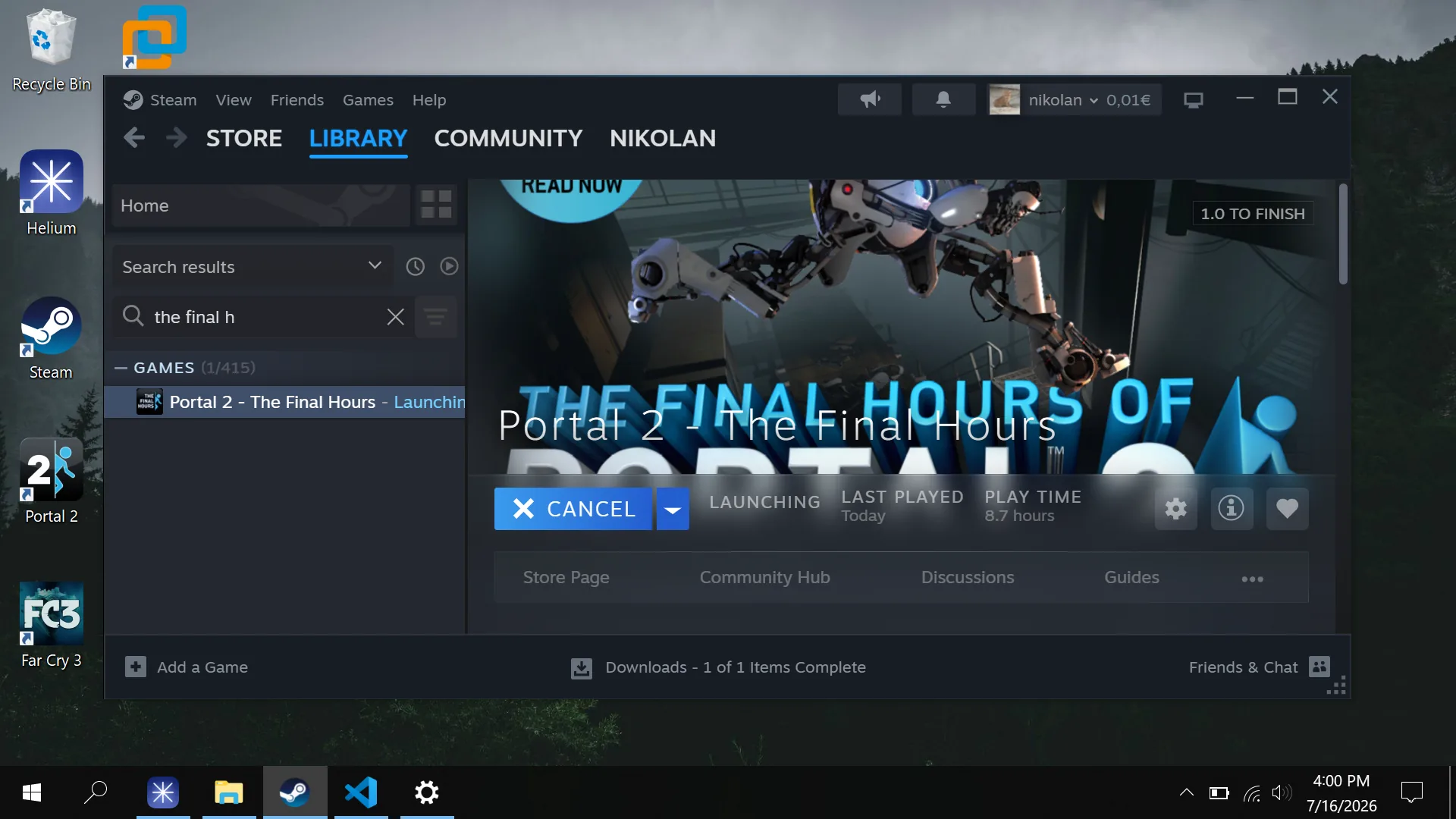
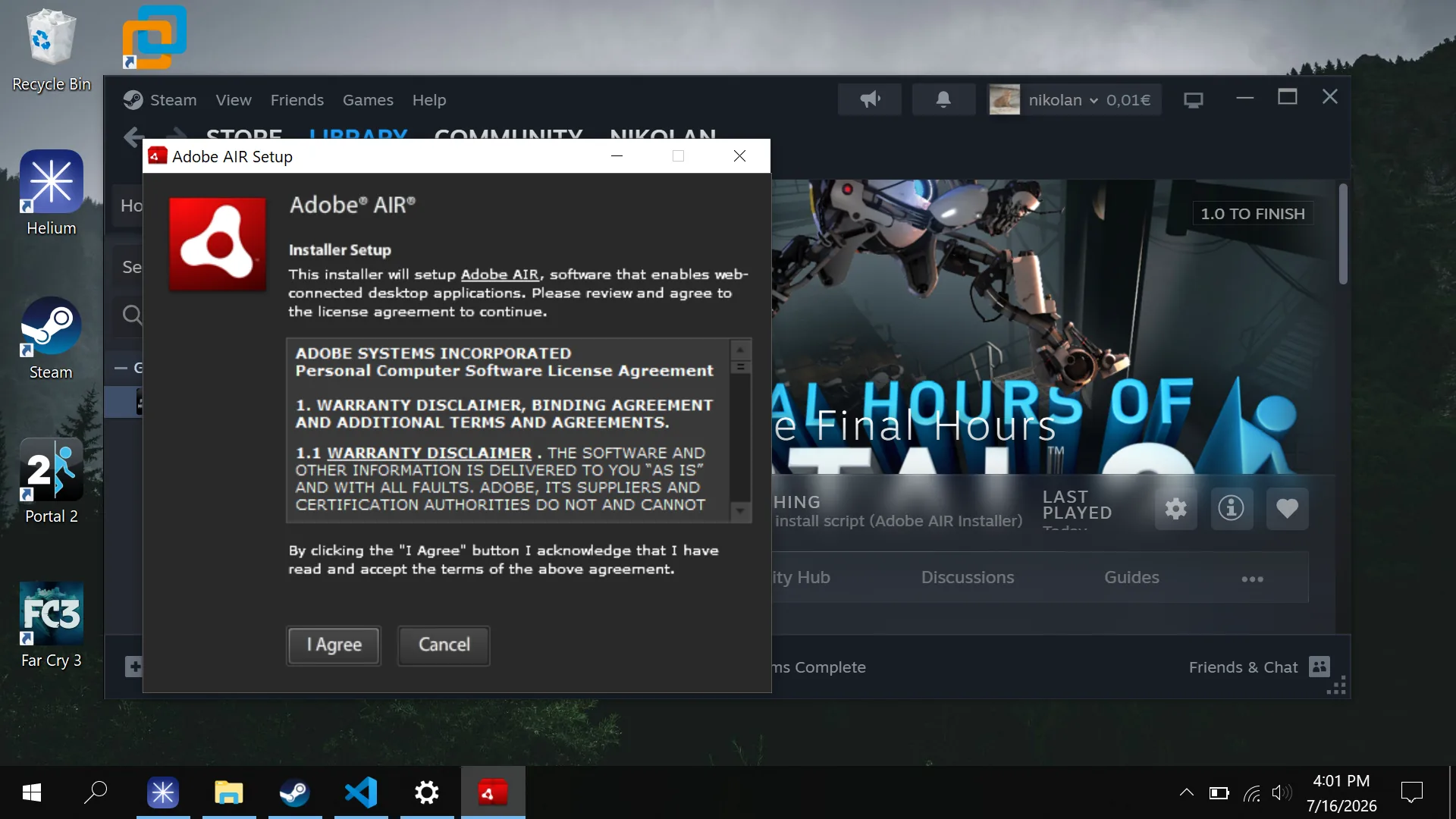
…and quickly realize that, unlike the main game, which still receives security patches and bug fixes, the e-book isn’t really maintained. Though Adobe AIR is still kinda maintained by Wipro, the e-book installs a version from 2011.
And that wouldn’t even be a huge problem if the book worked properly. Let’s take a look at the various broken things I found.
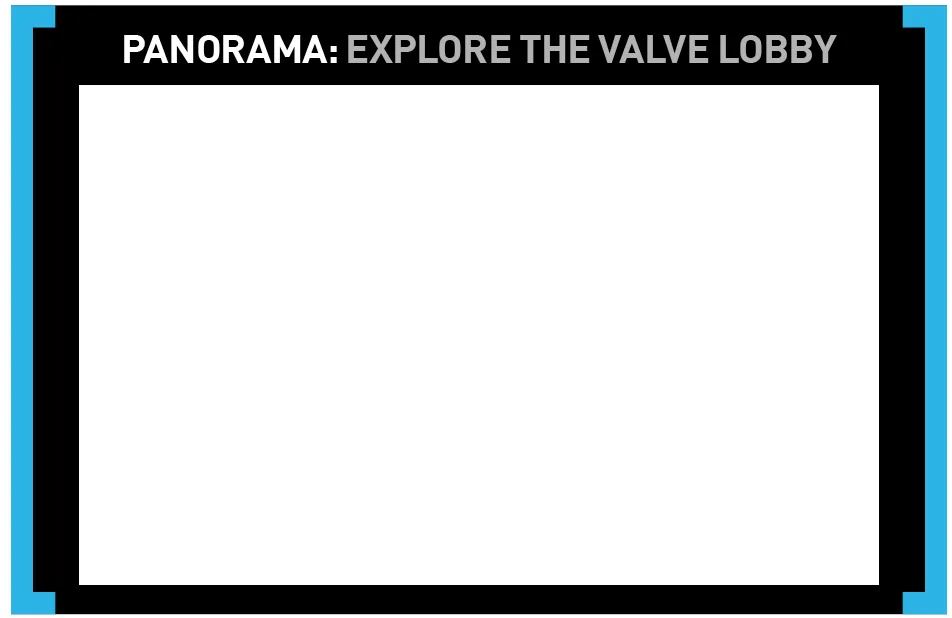
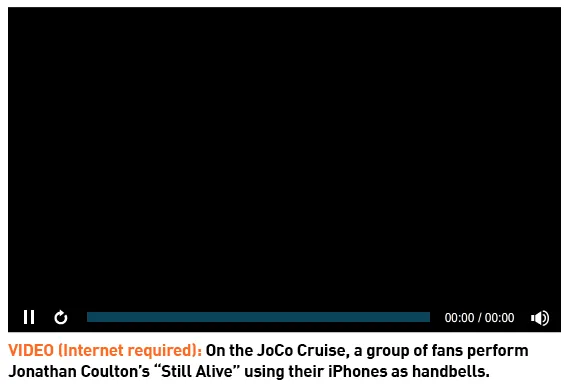


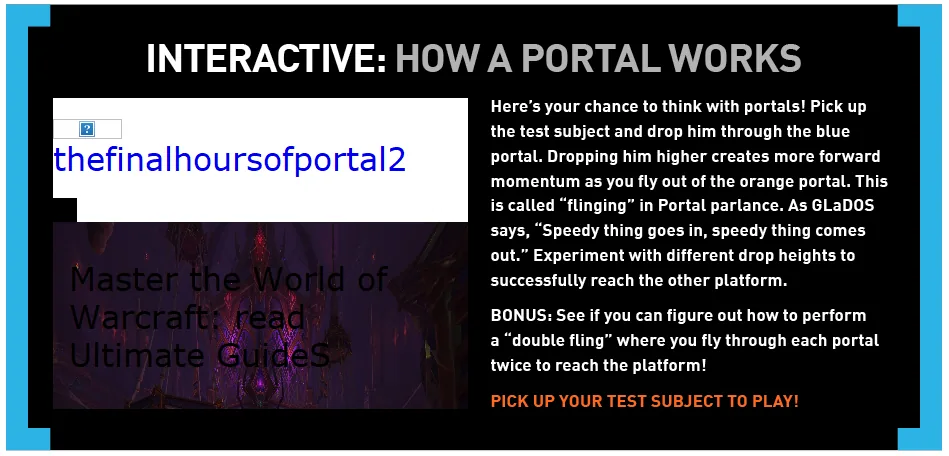
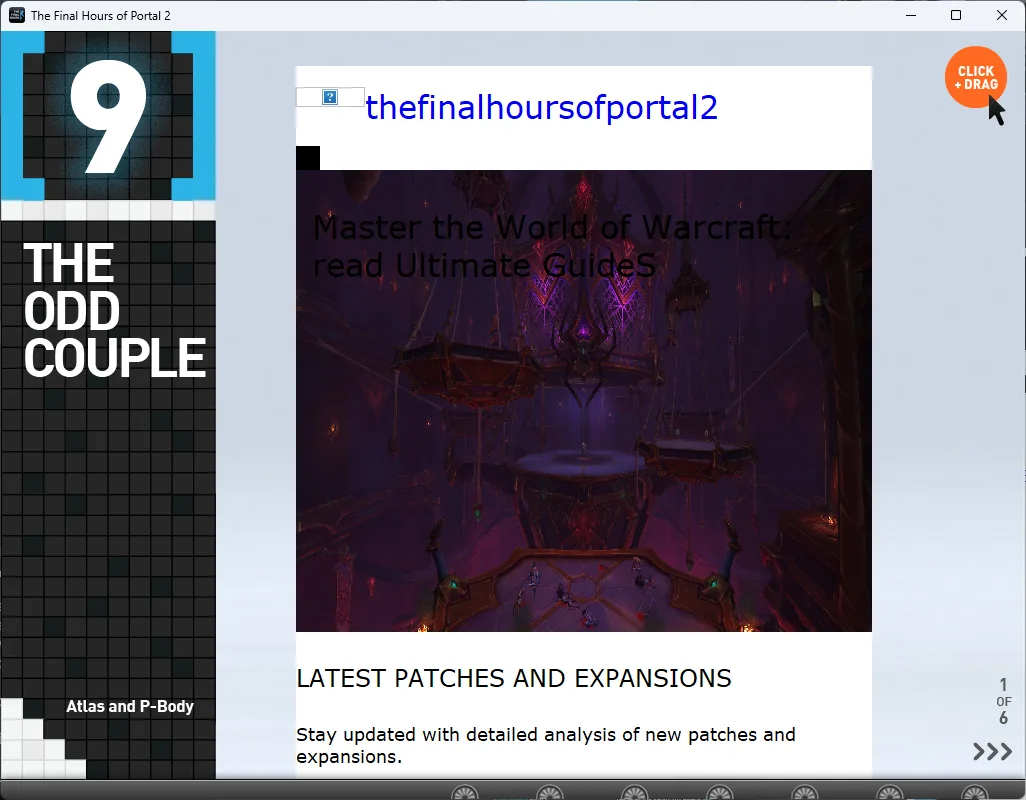
And I don’t want to read a book with the constant fear that the next page will be broken :(
Why broken?
Most of the e-book’s broken features depended on external web services.
For music, bundling the songs with the e-book would have made licensing more difficult.
And for polls, using the web was basically the only option.
Unfortunately, services get refactored over time, breaking legacy endpoints that nobody cares about. Sometimes an owner forgets to renew a domain, so someone else buys it and fills it with something completely unrelated. Other times, the service simply breaks through lack of maintenance. This e-book contains examples of all three.
The panorama viewers are the exception. Their assets are stored locally, but they fail on newer versions of Windows despite using the same version of Adobe AIR. I’ll come back to those later.
Now let’s figure out exactly what’s broken, starting by inspecting the e-book’s files:
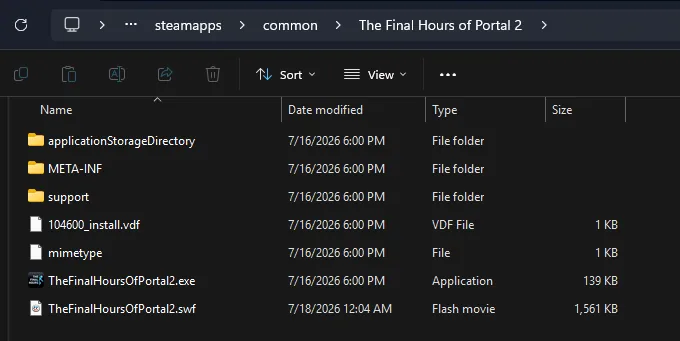
SWF files. As established earlier, the e-book uses Adobe Flash, so I needed to decompile them somehow. Having no experience with this at all, I turned to Google:
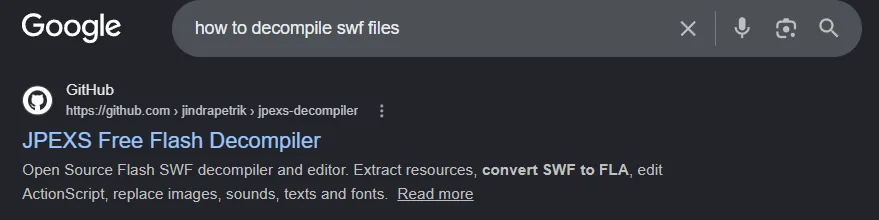
It sent me to the finest of software, JPEXS Free Flash Decompiler:
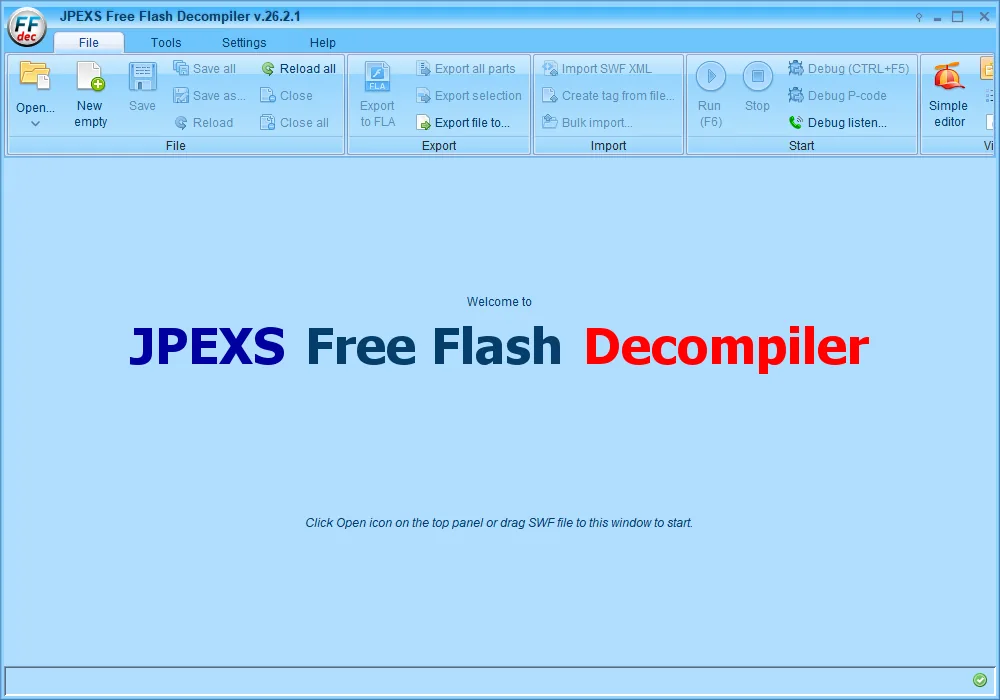
I searched the main SWF file and the five additional SWFs to compile a list of every online dependency. Here’s how I recovered each one:
Videos
The application uses YouTube’s ancient ActionScript 3 Player API, which was discontinued more than a decade ago.
The original API worked by loading a player SWF executable from YouTube. The e-book then controlled that SWF using methods such as loadVideoById(), playVideo(), and pauseVideo() while listening for playback events.
Since I can’t write Flash stuff, I used GPT-5.6-Sol to help write a replacement ActionScript player and compiled it into a SWF. It recreates the part of YouTube’s API that the e-book expects, but instead of using YouTube, it translates those calls into playback of local MP4 files.
But YouTube does not directly serve MP4 files, and some of the videos are no longer accessible. The e-book contains nine YouTube videos:
- Chapter 3, page 10: https://www.youtube.com/watch?v=j7LFbmTHY78
- Chapter 3, page 10: https://www.youtube.com/watch?v=CkoMbxHQmuM
- Chapter 6, page 4: https://www.youtube.com/watch?v=DnMdBnLWvpg
- Chapter 7, page 3: https://www.youtube.com/watch?v=0Zzfdlxjx4Y
- Chapter 7, page 5: https://www.youtube.com/watch?v=JpFNKyeckZc
- Chapter 11, page 2: https://www.youtube.com/watch?v=VLqw5JW8OLY
- Chapter 12, page 2: https://www.youtube.com/watch?v=GOMI0BxB0yA
- Chapter 12, page 3: https://www.youtube.com/watch?v=Im6yRpQrsaY
- Chapter 12, page 3: https://www.youtube.com/watch?v=pZaY1jV96jI
I used yt-dlp to download each one. Only two needed extra work:
- One was age-restricted, but I was able to download it by passing my cookies to yt-dlp.
- The other was private. After pasting its video ID into Google and doing some digging, I found its title: “She’s Too Good For Everyone.” Searching YouTube for that title led me to a reupload.
3D and games
The e-book contains three 3D visualizations and one interactive minigame, all four of which relied on dead URLs:
- Chapter 3, page 7 — Portal minigame: http://www.thefinalhoursofportal2.com/TFHoP2_assets/howto/diagram.html
- Chapter 7, page 8 — Wheatley 3D: http://www.thefinalhoursofportal2.com/TFHoP2_assets/interactive/index.html
- Chapter 9, page 1 — The Odd Couple 3D: http://www.thefinalhoursofportal2.com/TFHoP2_assets/oddcouple/
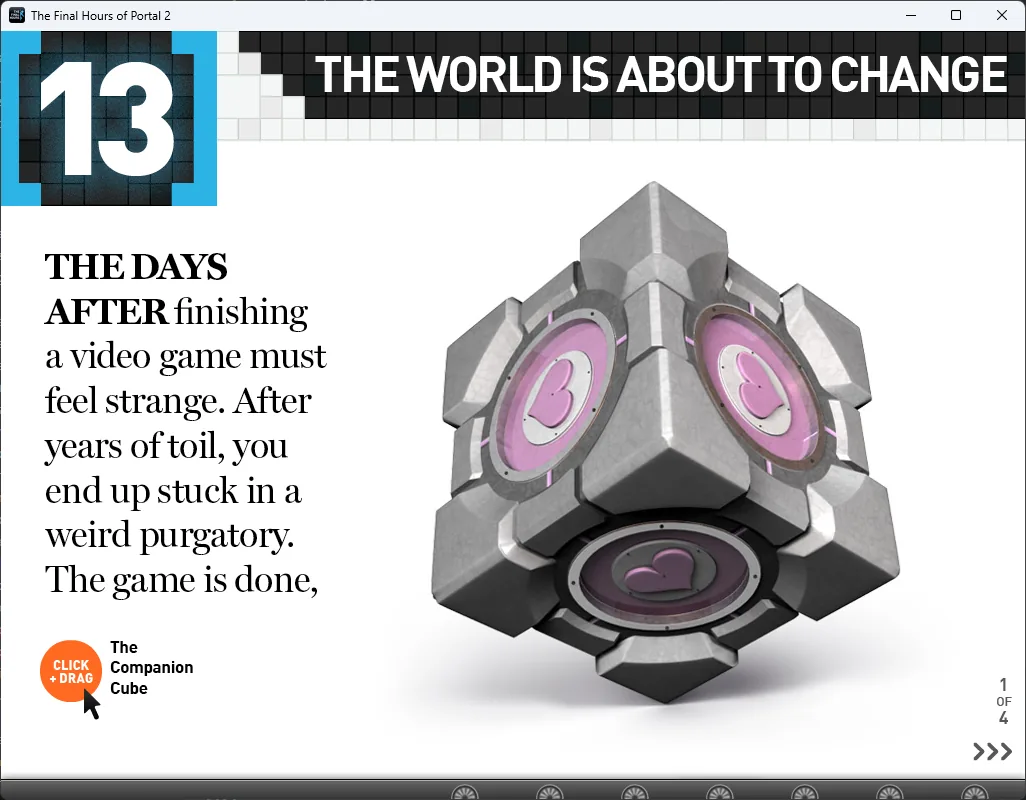
- Chapter 13, page 1 — Companion Cube 3D: http://www.thefinalhoursofportal2.com/TFHoP2_assets/companioncube/
At first I was sad. None of those URLs were archived, and the domain had been registered by someone else hosting slop :(
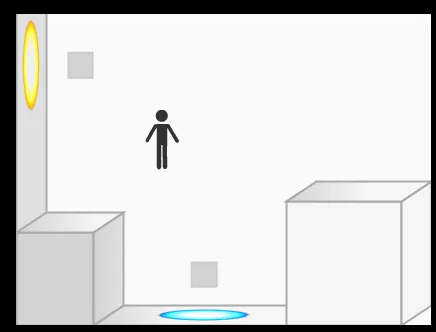
After about an hour of searching, I still couldn’t find archived copies. Recreating them seemed like my best option, so I started with the Portal minigame and got pretty close:
I think it’s pretty good, especially since I was working from only a 10-second video. At that point, I was satisfied.
At one point I discovered that there was a native iOS version of the e-book. Not expecting anything in particular, I decided to try it out.
After digging around, I found its IPA file inside a 173.7 GB Archive.org collection titled “Missing IPAs.” Its description was simply “Some stuff,” and it contained more than 10,000 IPAs.
Here is a direct download link for anyone who might need it:
Since the App Store launched with iPhone OS 2, downloaded apps have been distributed in encrypted form. An authorized device decrypts an app’s executable pages as they are loaded into memory. Because those pages must exist in decrypted form for the processor to execute them, they can be extracted from memory on a jailbroken device.
Luckily, someone had done exactly that with the IPA I found, meaning I could install it on my iPad without owning the original app.
And I discovered something interesting:

All four visualizations worked!
That is because unlike the PC version, the mobile app bundles all of the visualizations’ code and assets locally.
I renamed the .ipa file to .zip and found the assets inside. Because they were standard HTML files, I could simply copy them to my PC!
Since it’s just regular HTML and JavaScript, you can try the original Portal minigame below. You can drag the little guy around and throw him through the portals:
Music
The e-book loads eight songs from mzstatic.com domains.
Seven come from a playlist in chapter 5:
- East Bound and Down: http://a5.mzstatic.com/us/r1000/050/Music/89/1f/6d/mzm.hmsvmlsc.aac.p.m4a
- Queen of Denmark: http://a4.mzstatic.com/us/r1000/013/Music/9f/da/c0/mzi.dviddoso.aac.p.m4a
- Polaroids and Red Wine: http://a1.mzstatic.com/us/r30/Music/2c/81/ca/mzi.wxxicnqc.aac.p.m4a
- My Violent Heart (Pirate Robot Midget): http://a1.mzstatic.com/us/r1000/013/Music/90/2a/b7/mzm.ojhmmnlb.aac.p.m4a
- Bang Bang Bang: http://a5.mzstatic.com/us/r1000/022/Music/24/12/e8/mzi.bukbidcp.aac.p.m4a
- Bridges and Balloons: http://a4.mzstatic.com/us/r1000/026/Music/e4/6f/19/mzm.hcizchvw.aac.p.m4a
- Bilar: http://a2.mzstatic.com/us/r1000/036/Music/d7/5e/9b/mzi.eyucogyw.aac.p.m4a
The eighth appears in chapter 3, page 10 — Still Alive: http://a5.mzstatic.com/us/r30/Music/3e/c7/48/mzm.cxiybvxa.aac.p.m4a
The base domain, mzstatic.com, redirects to apple.com, and the e-book notes that the audio samples are provided by iTunes.
I found all eight songs on music.apple.com. The web version of Apple Music also serves previews without requiring authentication.
I found each song’s ID by copying its Apple Music link and taking the final number:
https://music.apple.com/us/song/still-alive/270749989
I then used the API to retrieve its 30-second preview:
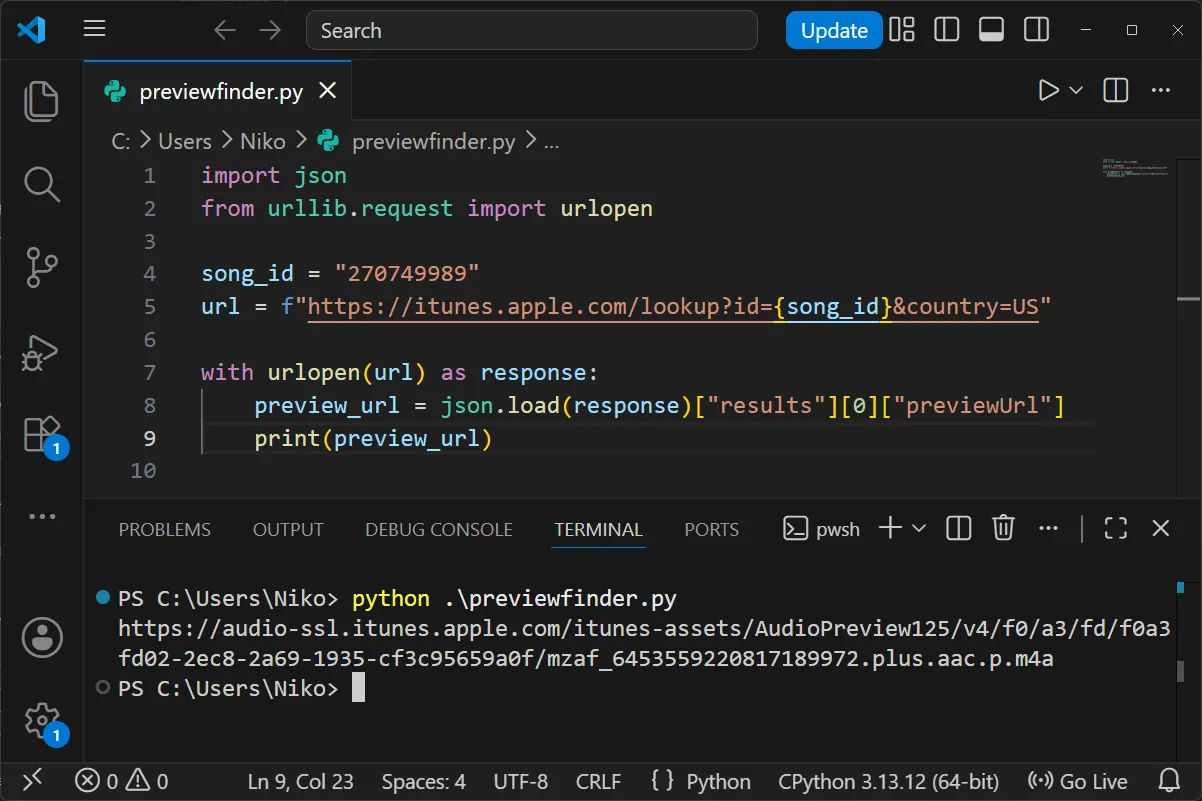
I repeated the process to download a preview of every song.
Polls
These are the polls’ original URLs:
- Chapter 1, page 5 — Poll 1: http://www.gameslice.com/p2polls/poll1.php5
- Chapter 5, page 6 — Poll 6: http://www.gameslice.com/p2polls/poll6.php5
- Chapter 9, page 6 — Poll 3: http://www.gameslice.com/p2polls/poll3.php5
- Chapter 12, page 6 — Poll 4: http://ww.gameslice.com/p2polls/poll4.php5
- Chapter 13, page 3 — Poll 5: http://www.gameslice.com/p2polls/poll5.php5
- Chapter 14, page 5 — Poll 20: http://geoffkeighley.com/p2polls/poll.php5?id=20
- Chapter 14, page 8 — Poll 21: http://geoffkeighley.com/p2polls/poll.php5?id=21
Every link is dead.
Funnily enough, I don’t think they intentionally took the polls down. My guess is that a backend update broke them without anyone noticing. That is because most of the URLs return 500 Internal Server Error rather than 404 Not Found:

After entering http://www.gameslice.com/p2 into the Wayback Machine and going to its URLs section, I found that one poll had been fully archived, including its font and style:
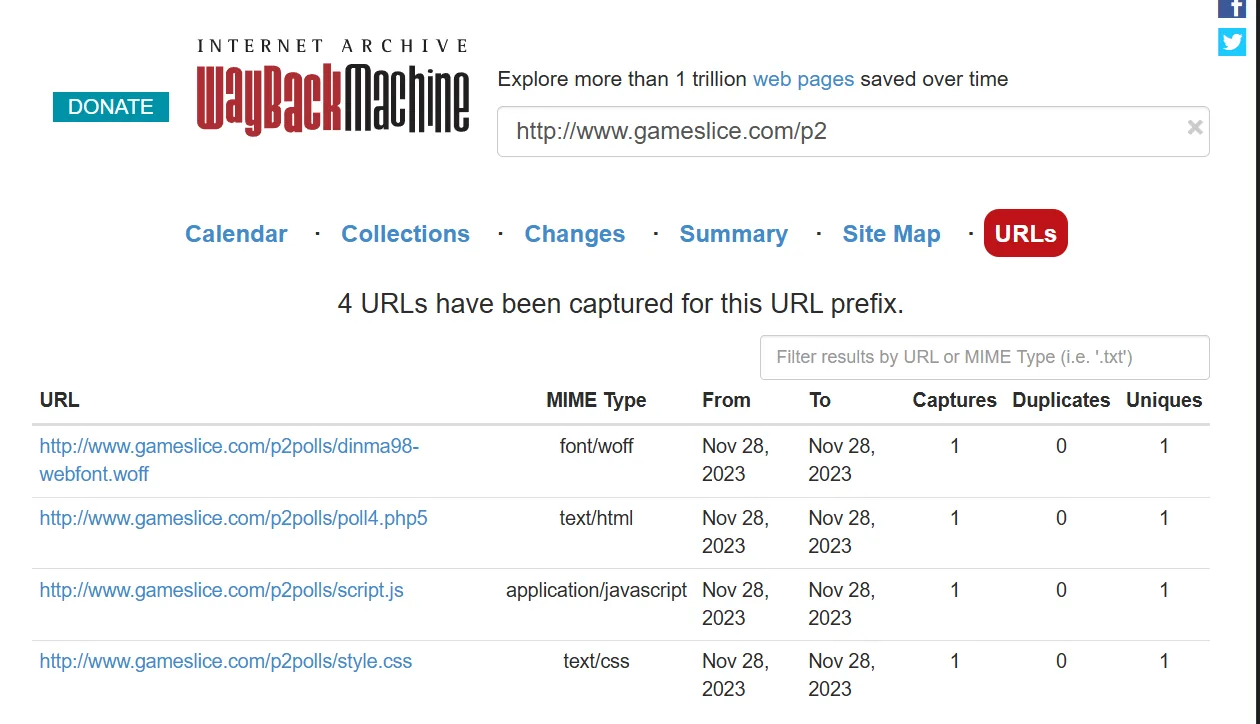
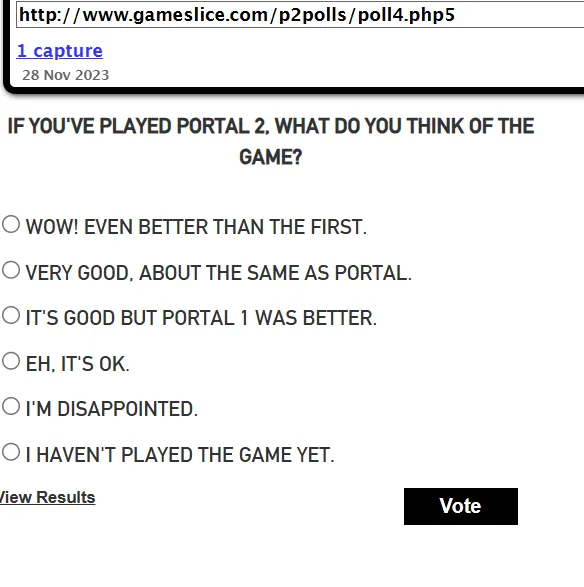
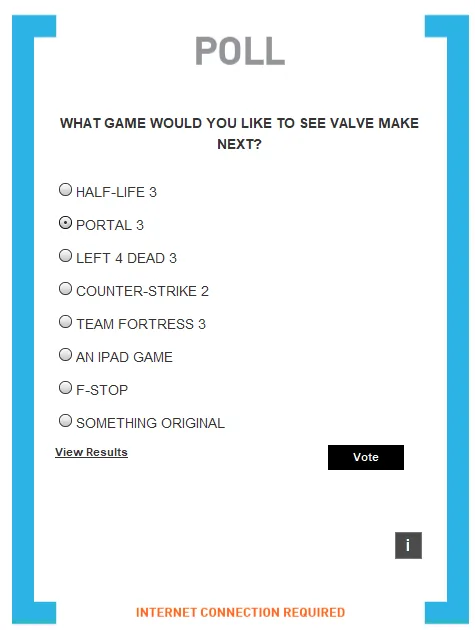
That was great because even one surviving poll gave me enough to reproduce the original style and layout.
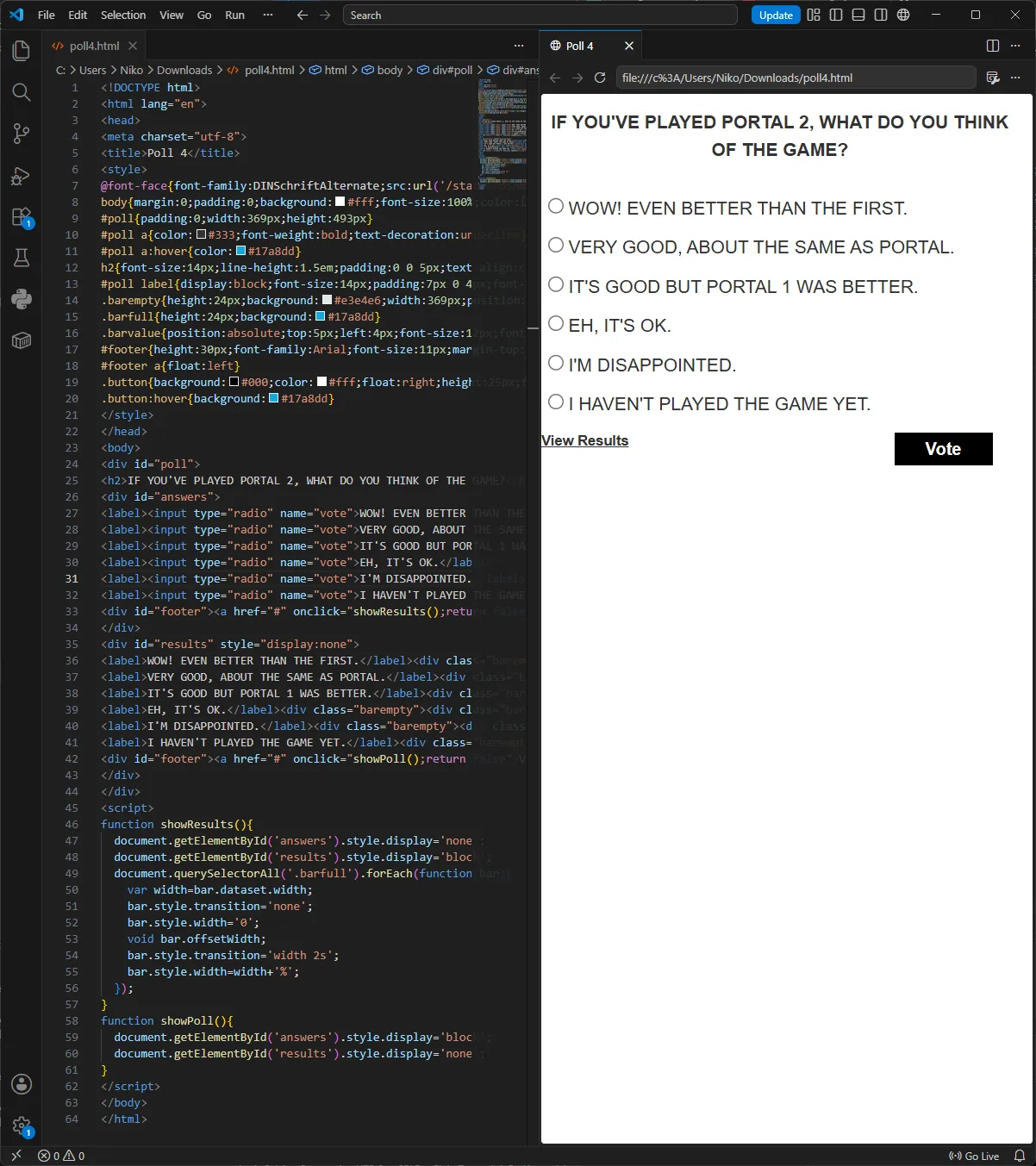
I then needed the rest of the contents. I found a PDF version containing the rest of the questions through chapter 13, so I noted them all down.
And here’s the problem: chapter 14, which was added in a later update, contains two polls. As far as I know, neither question has been archived anywhere. I spent about two hours searching and found nothing. Every PDF, review, and recording I found, including the iPad version, only covered content through chapter 13.
I even found an edition of the book distributed through Amazon. Surprisingly, it included chapter 14, but because it was a text-only offline e-book, it had no polls.
If you have any old recordings, screenshots, or anything else that could help me recover those two polls, please, please, please contact me.
While I’m at it, there’s one more thing from chapter 14 that I couldn’t recover, which appears to be a subscription form:
- Chapter 14, page 10 — Subscription form: http://geoffkeighley.com/p2polls/subscribe/index.php5
Feedback form
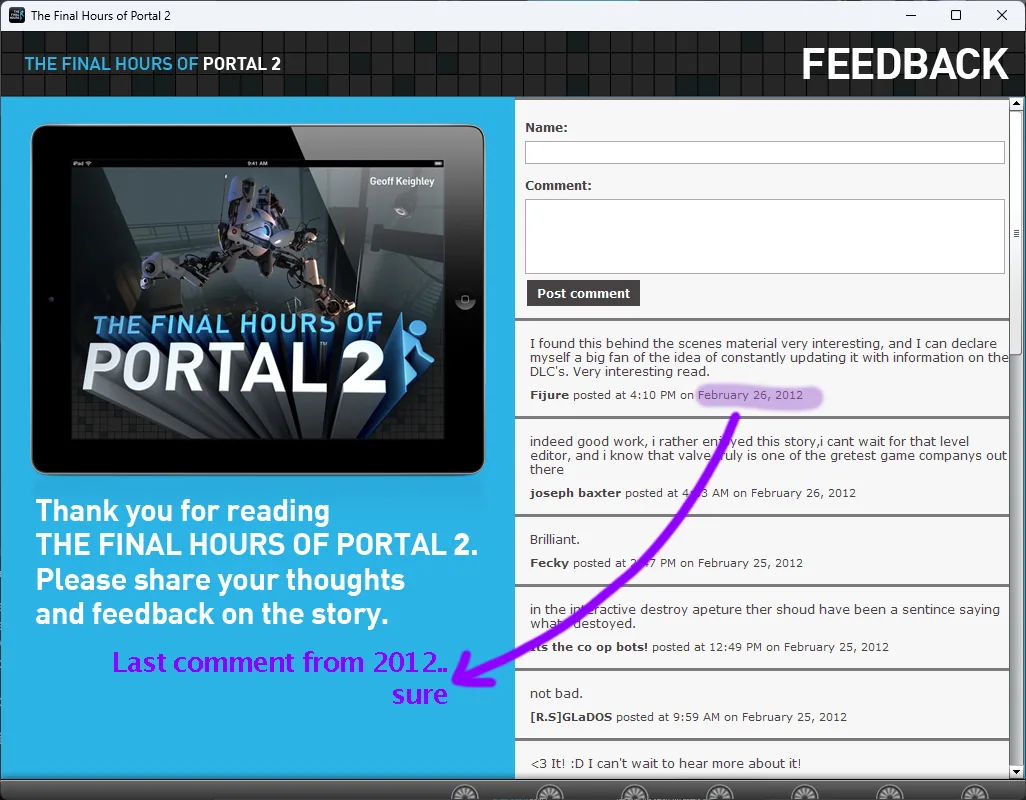
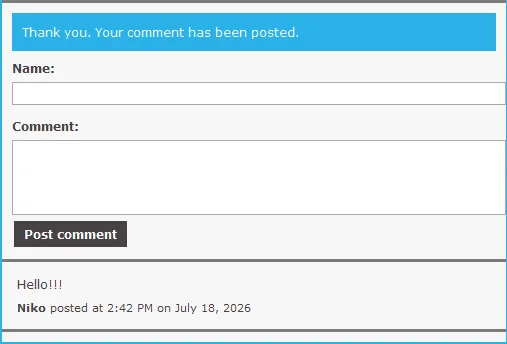
At the end of the book is a feedback form. It’s the only online feature that still loads as intended:
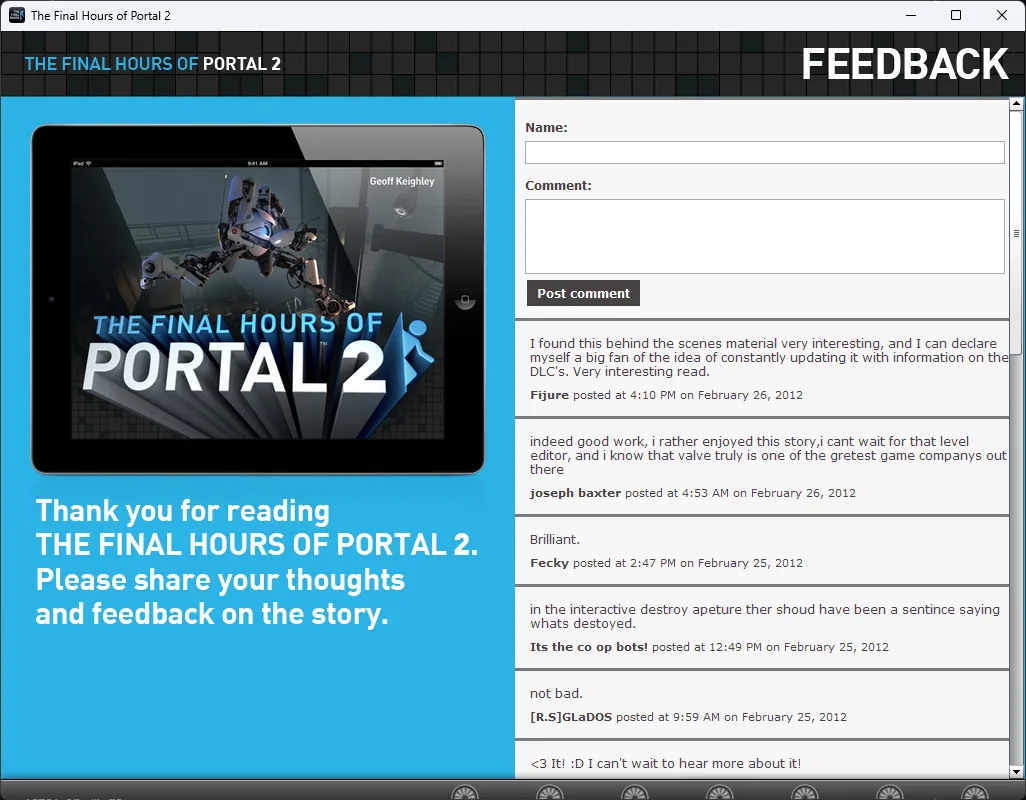
But submitting a new comment leaves it stuck in a review queue.
As with the polls, I could copy the original HTML and CSS. But then what about all the old comments? What would happen to them after this last working part inevitably shuts down?
I decided to take care of that too. A Python script fetched every paginated feedback page from the old Gameslice server, parsed each comment’s author, text, and timestamp, and saved the results to a CSV for import into the replacement server. In total, I backed up 2,662 comments.
A local exception: panoramas
The panoramas are different from the other broken features because their assets are local, so nothing needs to be rehosted.
Despite that, all three panorama viewers have stopped working on current versions of Windows 11. Interestingly, they still work on an older Windows 10 build, even when both installs are running the same version of Adobe AIR.
I could consistently reproduce two errors on the newer, broken system:
- Error #3207 appeared around the existing
Security.allowDomain("*")calls. - Error #3226 appeared while loading compiled code from a nested SWF without
allowCodeImport.
I don’t know exactly what changed between those Windows builds to make the same AIR code hit these errors. My best guess is that newer sandbox behavior interferes with the way HTMLLoader embeds the nested SWF.
What I do know is the fix, which is replacing HTMLLoader with a native Loader and explicitly allowing code imports. That makes all three panoramas work again. I again used GPT-5.6-Sol to figure that out since I have no knowledge about Flash.
What now?
My initial server
I had recovered the external content and figured out how to repair the local panoramas. But how could I actually put everything back?
My first goal was to stitch together a server that rehosted everything, just to see whether the concept would work.
I chose Python and FastAPI for the stack because that’s what I’m familiar with.
To redirect the original requests to my computer, I used the hosts file, which tells the system where to find each domain. I modified it so every domain contacted by the e-book pointed to my own computer. That included youtube.com, thefinalhoursofportal2.com, and more.
I then mounted all the static assets at their original paths, including the custom YouTube recreation, and started the server.
I also needed somewhere to store comments and poll data, so I used a basic SQLite database to make everything persistent.
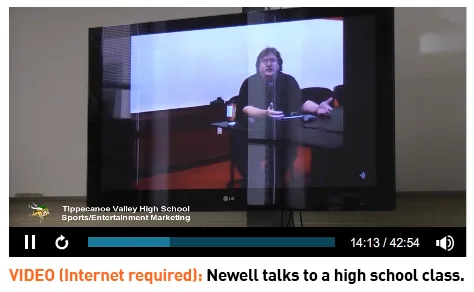
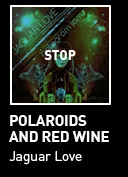
After some troubleshooting, I got everything working!
And this was the result:
The public server
The finished server is available at github.com/nikolan123/TFHoP2-server for anyone to download and self-host.
The next problem was distribution. I couldn’t bundle 600 MB of video and a collection of copyrighted songs. Doing so would make the open-source server much harder to distribute and create obvious legal problems.
The fix was simple enough. Instead of serving the audio myself, I redirected the client to the original preview URLs.
For the YouTube videos, I uploaded them to Archive.org and redirected the client to the reuploaded MP4 files rather than serving them myself.
The server is available for anyone to self-host, including as a Docker image.
Streamlining the patching process
Redirecting requests through the hosts file is a messy solution. Among other problems, it also breaks YouTube.
A better approach was to change the SWF files themselves to use the custom URL.
The patcher locates the three SWF files that need modification, backs them up, decompresses them, and reads the URL strings stored in their compiled ActionScript. It changes only a specific list of retired services, then rebuilds and verifies the SWFs before replacing the originals with the patched versions.
Patching the panoramas was more complicated because the fix required actual ActionScript changes, not just replacing URL strings. To keep the process simple and fast, I generated a diff between the original SWF and my recompiled, patched version. The patcher applies that diff to the user’s copy.
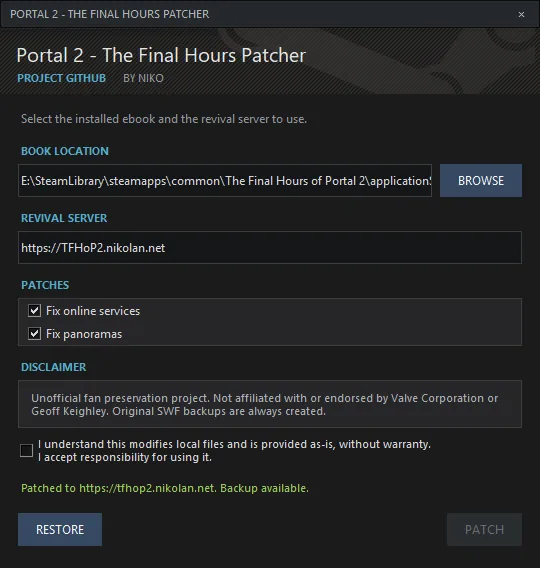
It’s open source at github.com/nikolan123/TFHoP2-patcher, with builds available here.
It consists of two Python files and a few assets. The Python files have no external dependencies, so you can use the patcher by simply running python patcher.py. No extra installation is required.
That’s basically it. You can try it all for yourself with the Steam guide below:
Fix Broken Web Content [Windows] [2026]
My weekend project - fixing all broken content in The Final Hours of Portal 2. This guide will show you how to make polls, panoramas, audio, video, and interactive demos work again.Now I can finally go read the book!
This is only my fourth blog post, and I still feel like I’m bad at this. If you have any feedback, questions, or know anything about the two polls or subscription form from chapter 14, please, please, please get in touch through one of the links below.
Also feel free to leave a comment or reaction using the new comment system I just added :3